Maintenance
Part of Getting content approvals right the first time
Content approvals tools: a guide to the criteria
Content approvals tools should be judged by what they log, and this guide explains which named platforms hold up when a campaign needs a readable record.
A content approvals tool is a system of record. The comments, markup and mobile app are convenience. The test: can someone who was not on the campaign open it a year later and answer what was asked for, what was approved, and who checked the disclosure?
This guide names eight tools and gives five criteria to score them, from immutable version history to access after the campaign. It assumes the review surface question is settled and covered in content approvals.
What to take away
- Score any tool on one question: can a stranger reconstruct the campaign from it a year later?
- Shortlist by campaign type. Video-first brands and regulated brands need different tools.
- Check the audit log before the price. A tool without a dated, named approval event is a chat app.
- Confirm retention and export terms in writing, because switching tools later means rebuilding the record.
- Ask your lawyer what retention period applies to you. It varies by where you operate.
The criteria that decide it
Five criteria separate the tools that hold up from the ones that do not. Score each from 0 to 2, for a total of 10. A tool that scores below 8 needs a written workaround.
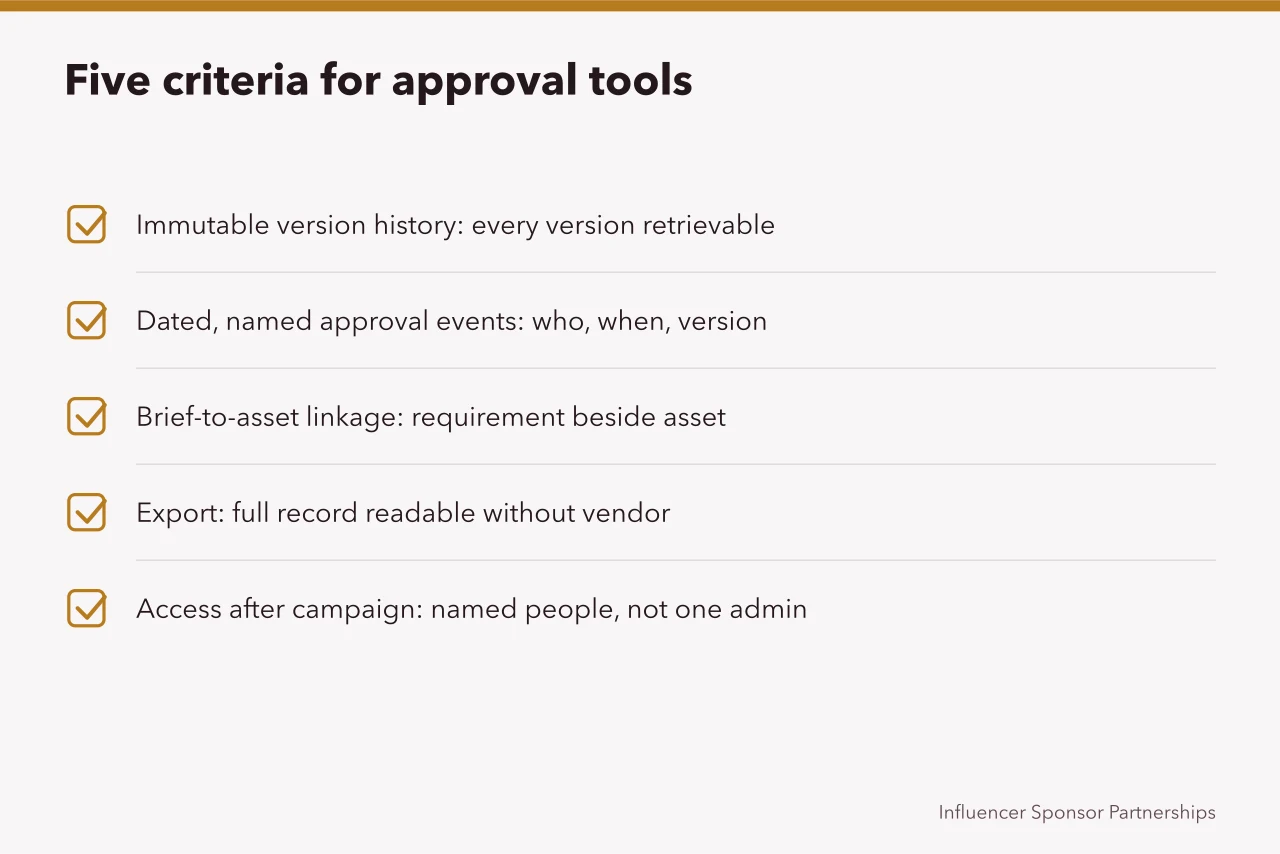
- Immutable version history. Every asset version stays retrievable, with the date and the person who uploaded it. Nothing is overwritten in place. This is the same discipline that makes source code manageable, and the reasoning generalizes; the compact version is in version control.
- Dated, named approval events. The record shows who approved, when, and on which version. 'Approved' with no name is not an approval.
- Brief-to-asset linkage. The requirement the asset was measured against sits beside the asset. What that requirement should contain comes from campaign briefs.
- Export. You can pull the full record, with files and timestamps, into a format you can read without the vendor. Ask for a sample export before you sign.
- Access after the campaign. Named people, not one admin account, can reach the record once the campaign closes.
| Criterion | Score 2 if | Score 0 if | Vendor question |
|---|---|---|---|
| Immutable version history | Every version has a date and uploader | Versions overwrite in place | Can I see version 1 after version 4? |
| Dated, named approval events | Each approval has a name, time and version | Approval is a status label | Show me one approval event. |
| Brief-to-asset linkage | The brief sits with the asset | The brief lives in another system | Can I attach the brief? |
| Export | Full record exports with files and timestamps | Export gives files only | Send a sample export. |
| Access after campaign | Named users keep access | One admin account holds it | What happens when staff leave? |
The tools, by name
Eight tools come up most often for content approvals. The table gives what each one is, who it suits, and how it is priced. Pricing moves, so treat every figure as a quote.
| Tool | What it is | Suits | Pricing model | One concrete detail |
|---|---|---|---|---|
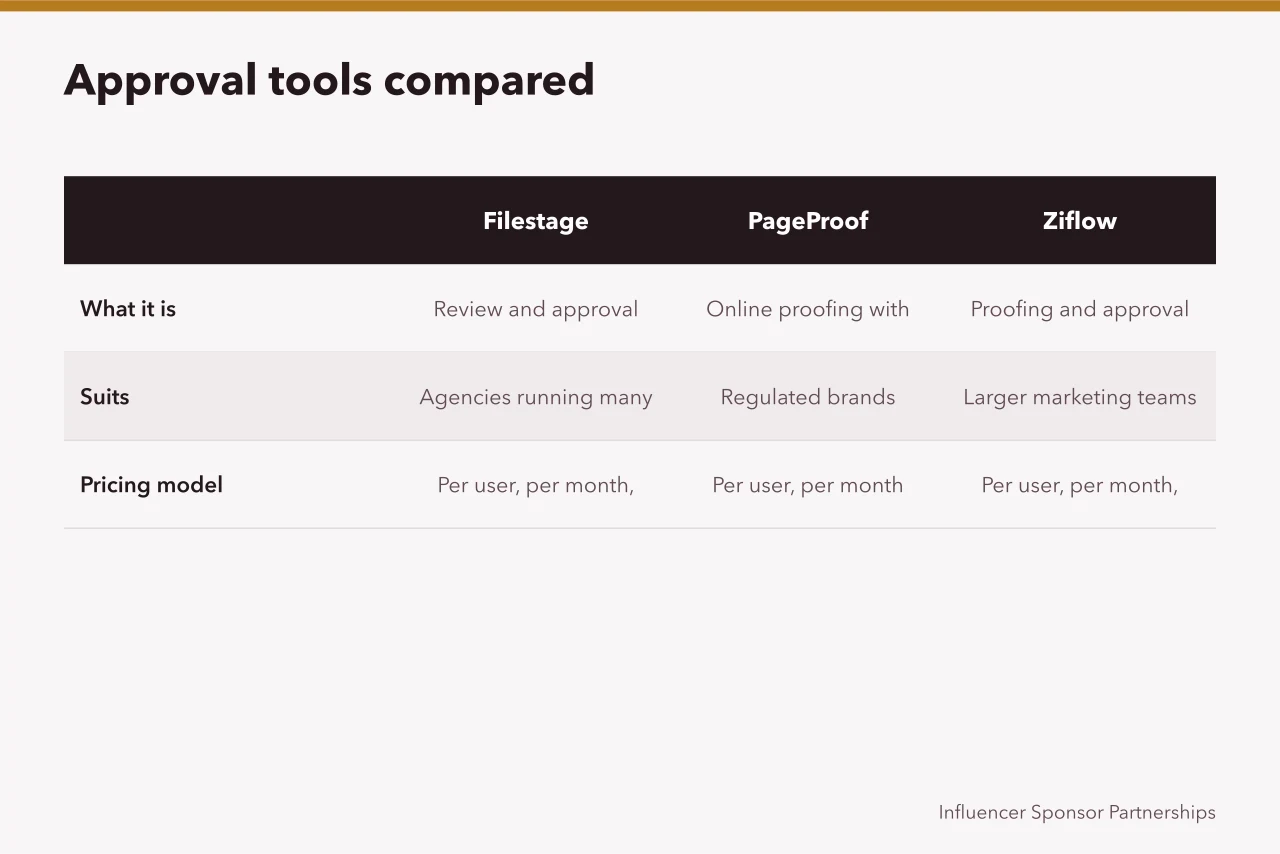
| Filestage | Review and approval with versioned rounds and a decision log | Agencies running many client approvals | Per user, per month, tiered by features | Decision log records approvals and rejections. |
| PageProof | Online proofing with workflows, checklists and audit trail | Regulated brands needing a formal sign-off chain | Per user, per month | Audit trail supports formal sign-off chains. |
| Ziflow | Proofing and approval with automated workflows and reporting | Larger marketing teams with repeatable processes | Per user, per month, tiered | Automated workflows route proofs to the right reviewer. |
| ReviewStudio | Review and approval with markup and version comparison | Video and design-heavy campaigns | Per user, per month | Version comparison shows changes side by side. |
| Hightail | File sharing with review and approval on shared assets | Small teams already sharing large files | Per user, per month | Large file sharing is the core function. |
| ContentCal | Content calendar with an approval workflow built in | Social-first brands approving posts before scheduling | Per user, per month | Calendar view sits beside the approval step. |
| Frame.io | Video review with frame-accurate comments and version stacks | Video-first campaigns and creator footage | Per seat, per month, tiered | Comments attach to exact video frames. |
| Planable | Social content collaboration with multi-stage approvals | Brands approving creator posts before they go live | Per workspace, tiered by users | Post previews show how a post will look. |
As of 2026, standard paid tiers for these tools typically run from about $10 to $50 per user per month. Enterprise plans with audit logs, retention controls and legal holds are usually quoted, often above $50 per user per month. Seat count, contract length and workflow complexity drive the range.
Running the five criteria on Frame.io
Take Frame.io and run the five criteria against it.
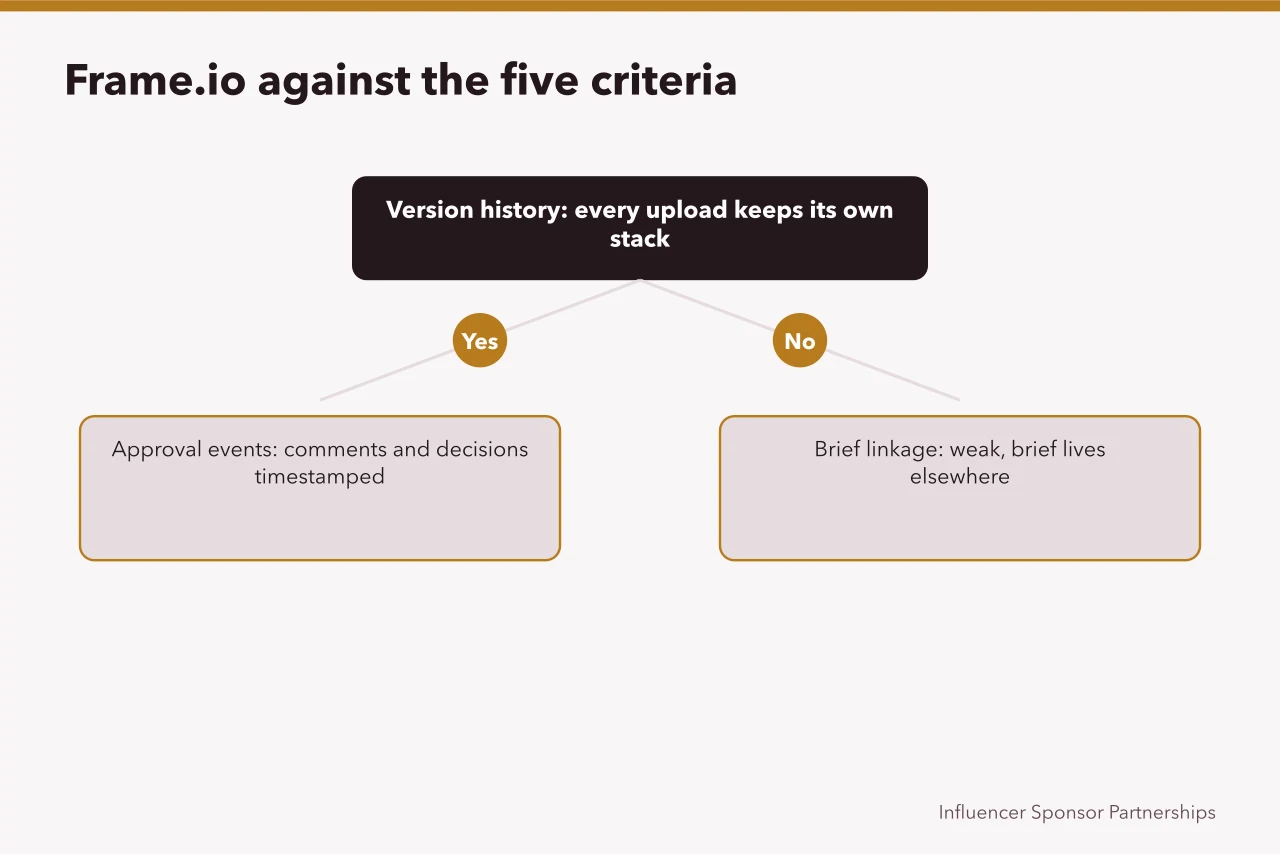
Two criteria pass cleanly, one is a gap you must close yourself, and two need a written answer from the vendor.
What the record must contain
Whichever tool you pick, it has to hold seven artifacts per campaign, per partner.
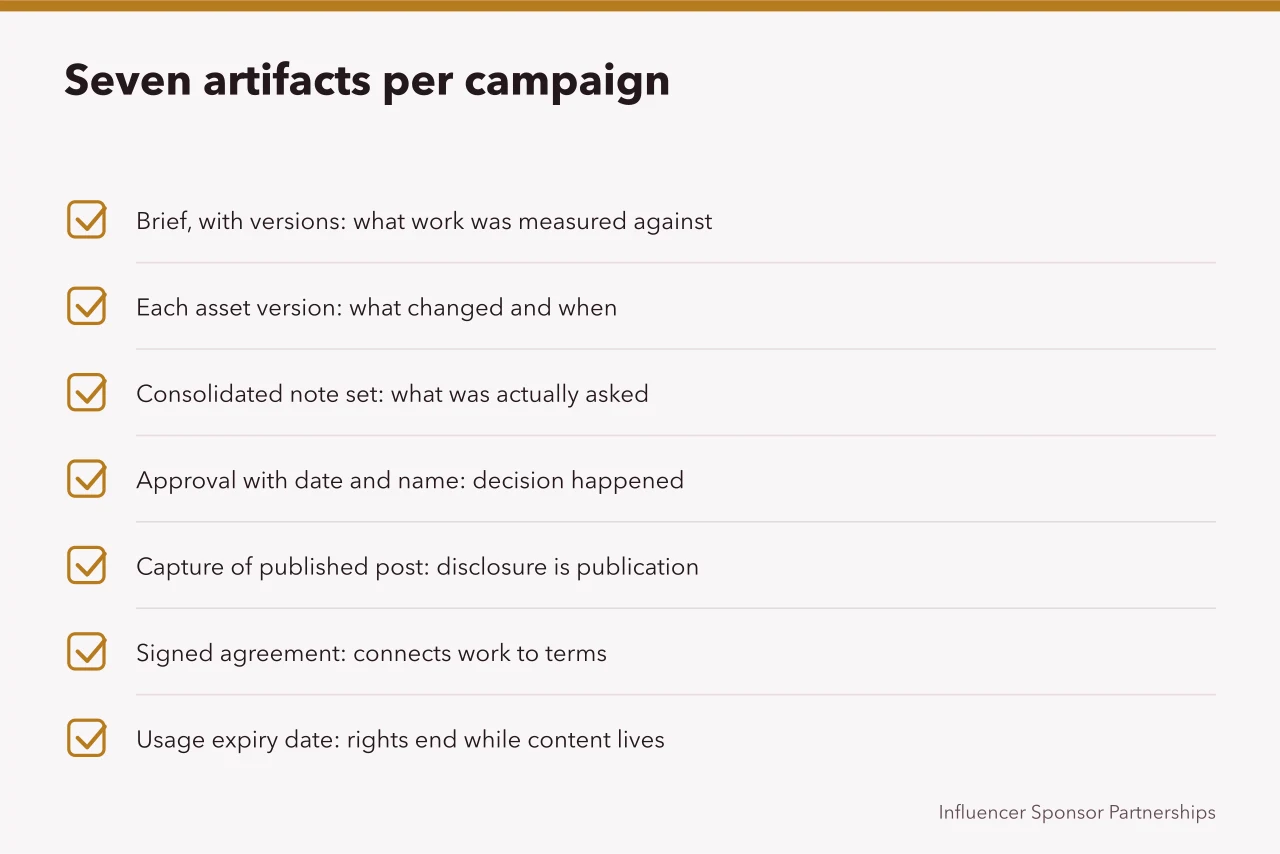
| Artifact | Keep because | Common failure |
|---|---|---|
| Brief, with versions | It is what the work was measured against | Lives in a different system |
| Each asset version | To show what changed and when | Overwritten in place |
| The consolidated note set sent out | To show what was actually asked for | Only the internal thread survives |
| The approval, with a date and a name | To show the decision happened | Given verbally |
| A capture of the published post | Because disclosure is a property of publication | Never taken |
| The signed agreement | To connect the work to its terms | Held by legal, unlinked |
| The usage expiry date | Because rights end while content stays live | Recorded nowhere |
A record split across a review tool, a drive, a mailbox and a contract system is four half-records. The half you need will be in the one nobody has access to. Where the term comes from is in contracts and disclosure.
Retention and the bus factor
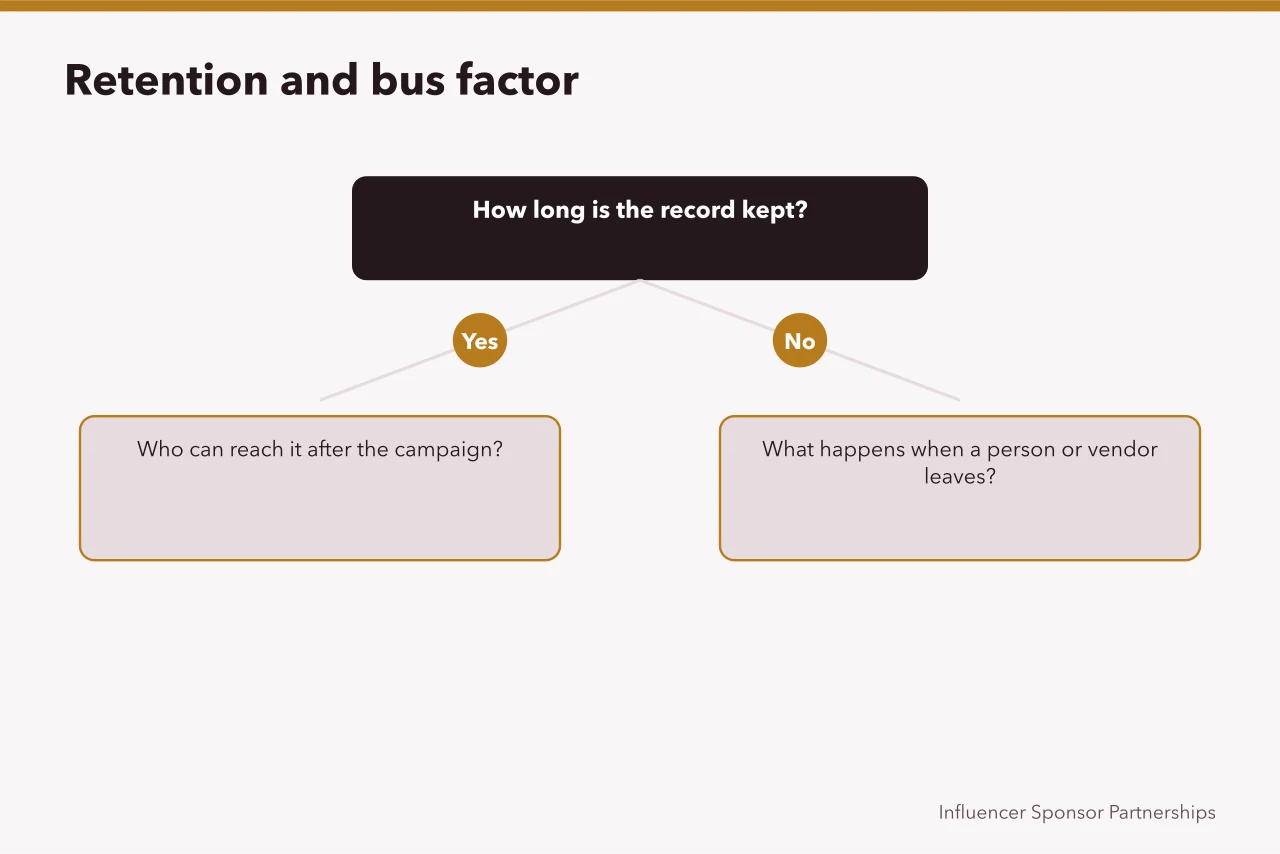
The most common failure is a record that exists inside an account nobody has credentials for. That is functionally the same as deleted. Premature deletion is less common.
The concept worth borrowing is the bus factor: how many people must be unavailable before the record is unreachable. If the answer is one, fix it before the campaign, not after.
The habits that pay for themselves
- Capture the published post on the day it publishes. A dated screen capture plus the link costs one minute per campaign.
- Log the disclosure check with a name, a time, and the surface checked. What the check looks for is set out in the FTC's material on effective disclosures in digital advertising.
- Record every reuse. Each cut into an advertisement, embed or reshare needs a fresh disclosure check, because format changes strip labels.
- Write a one-paragraph close: what was approved, what changed, what to do differently.
- Diarize the usage expiry date, because a term-limited license only helps if someone knows the date.
Testing your own trail
Pick a campaign that finished six months ago. Ask someone who was not involved to answer four questions using only the record: what was asked for, what was approved, what was published, and who checked the disclosure. Time them.
If they cannot answer in ten minutes, the record is a collection of files. The fix is usually a convention rather than a purchase. Why the campaign existed at all comes from strategy and objectives.
Common questions
Is a dedicated tool worth it for one campaign a year?
Probably not. A shared drive with a strict naming convention and a dated capture of the published post covers the basics. The tools earn their fee when several campaigns run at once and more than one person approves.
Can the agency hold the record instead?
They can hold a copy. You should hold your own, in a form you can read without them, because the agency relationship may end before the record does.
What if the creator wants content removed later?
Handle it as agreed in the contract. Requests to remove someone's own image or work are treated differently in different places, so take advice rather than deciding by policy.
What is the smallest useful improvement?
A dated capture of the published post, stored beside the approval. One minute per campaign, and it is the item most often absent when it is needed.
Which criterion breaks first?
Access after the campaign. Tools often tie the record to a seat plan, so confirm named users can reach it after the contract ends.
How many tools should I shortlist?
Three. One for video, one for regulated sign-off, one for social scheduling. Run the five criteria on each.